Control what your team sees and does.
Control what your team sees and does.
Assign granular permissions by property, department, or role. Keep sensitive guest data secure while empowering your front desk, cleaners, and managers.
Unrestricted access puts operations and guest privacy at risk.
Unrestricted access puts operations and guest privacy at risk.
Giving every employee full access to payments, lock codes, and guest IDs creates security vulnerabilities and increases mistakes.
Data leaks damage guest trust forever.
Without role-based scoping, one accidental click can compromise guest identity records or payment tokens.
Precise access control for every team member.
Precise access control for every team member.
Define exact scopes by property group, role, and action. Every team member sees only what they need to get their job done.
Simple setup, total peace of mind.
Simple setup, total peace of mind.
Define Roles
Create Admin, Front Desk, Cleaner, or Finance roles.
Assign Scopes
Restrict visibility to specific properties or cities.
Set Action Rights
Control who can approve, refund, or view codes.
Audit Log Tracking
Every modification and view is permanently logged.
Instant Revocation
Remove access immediately when staff roles change.
Enterprise security with hospitality simplicity
Enterprise security with hospitality simplicity
Role-Based Access Control (RBAC)
Pre-built & custom roles for operators.
Property-Level Scoping
Assign staff only to units they manage.
Granular Action Permissions
Separate viewing, editing, approving, and refunding.
Real-Time Audit Trail
Track who viewed, edited, or released access.
GDPR & Privacy Guard
Mask ID documents and payment details by role.
Multi-Organization Support
Manage multiple brands under one master login.
Complete security. Zero operational friction.
Complete security. Zero operational friction.
Security connected to the entire platform
Security connected to the entire platform
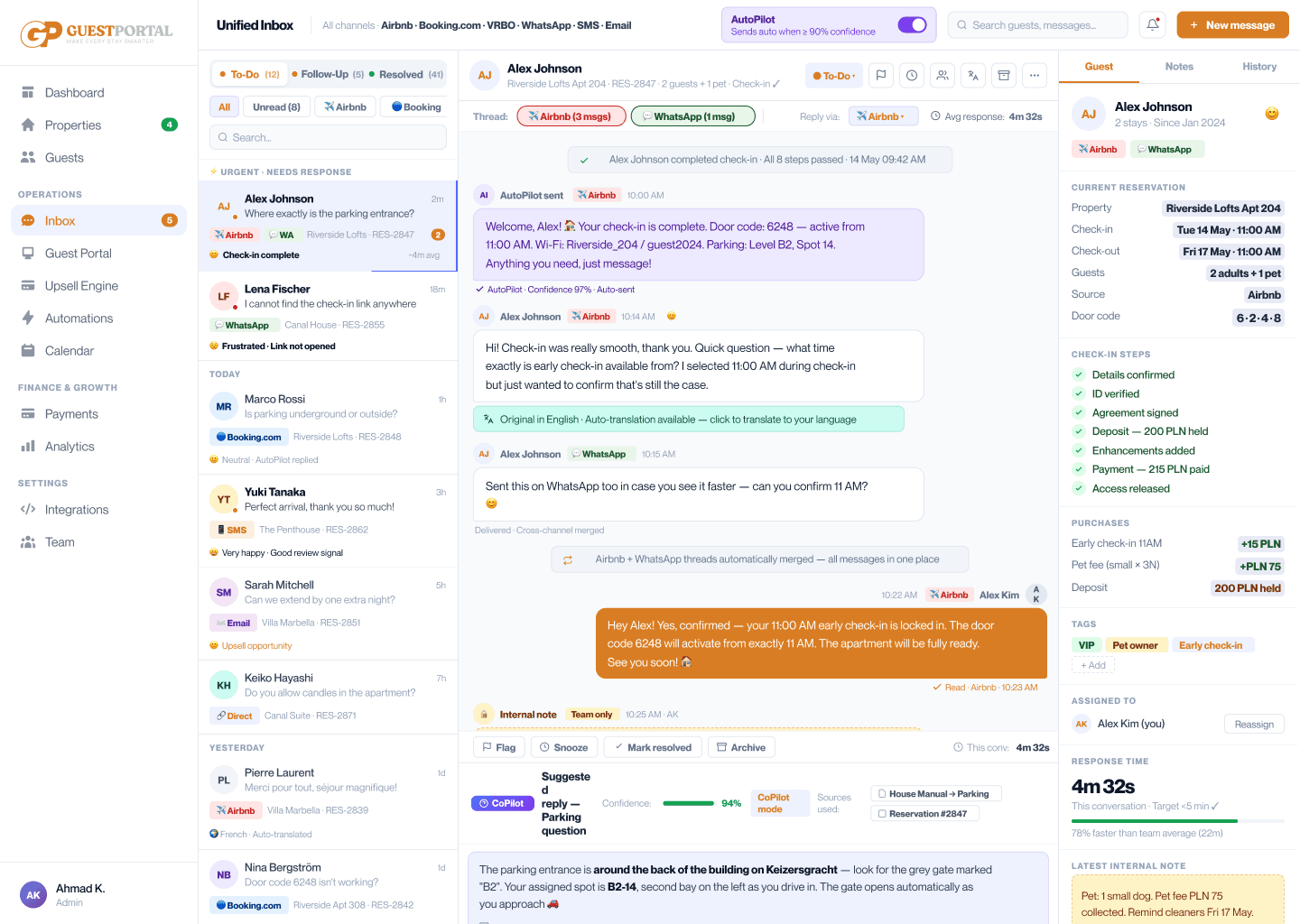
Scope & Permissions protects every module including the Unified Inbox, Approval Workflows, and Conditional Access.
Frequently Asked Questions
Frequently Asked Questions
Got questions? We’ve got you covered, here are some quick answers to help you get the most out of GuestPortal.
Can I create custom roles?
Yes. You can build completely custom roles with custom combinations of read, write, approve, and refund permissions.
How does property scoping work?
You can assign users to specific properties, buildings, or tags so they only see relevant reservations and messages.
Is there an audit log of team actions?
Yes. GuestPortal maintains an immutable audit log detailing every action, login, and data view.
Start with Core. Add Pro when you're ready.
Empower your staff without compromising guest privacy or payment security.