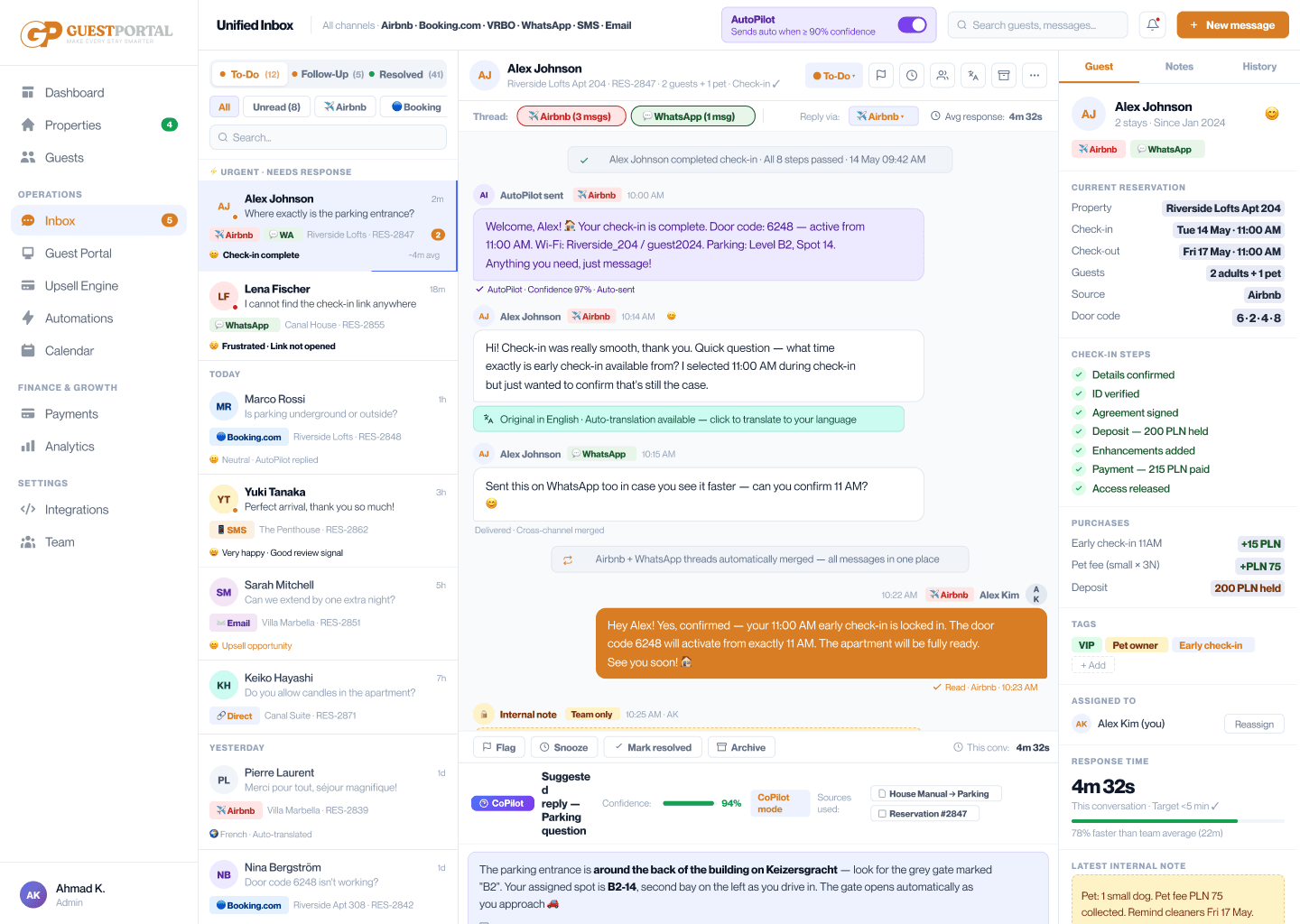
Every reservation detail.
Beside every message.
Every reservation detail.
Beside every message.
Access guest identity, arrival timeline, check-in completion, payment status, and ordered enhancements directly alongside your conversations.
Fragmented data slows down guest support.
Fragmented data slows down guest support.
When reservation information, payment status, and guest requests live in separate tools, your team loses time hunting for basic facts.
Context switching wastes hours daily.
Every time an operator switches tabs to look up a guest, focus is broken and response time increases.
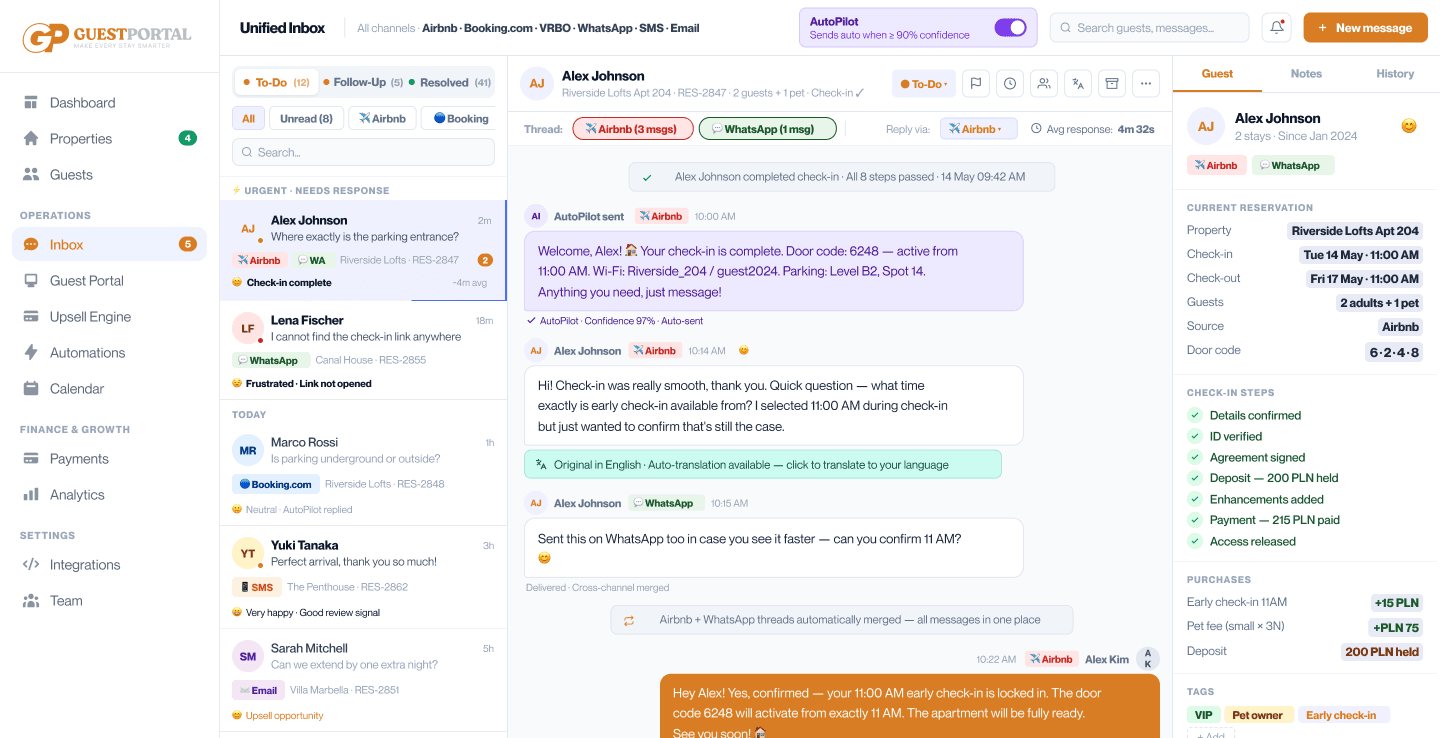
Full guest context at a glance.
Full guest context at a glance.
GuestPortal automatically aggregates reservation, verification, access, and enhancement details directly beside the active thread.
Instant context, zero searching.
Instant context, zero searching.
Open Conversation
Select any incoming guest message.
Automatic Profile Match
GuestPortal links the reservation instantly.
View All Details
See dates, payments, check-in steps, and enhancements.
Take In-Thread Actions
Approve requests, resend codes, or charge cards.
Sync Across Team
Notes and actions update for all team members.
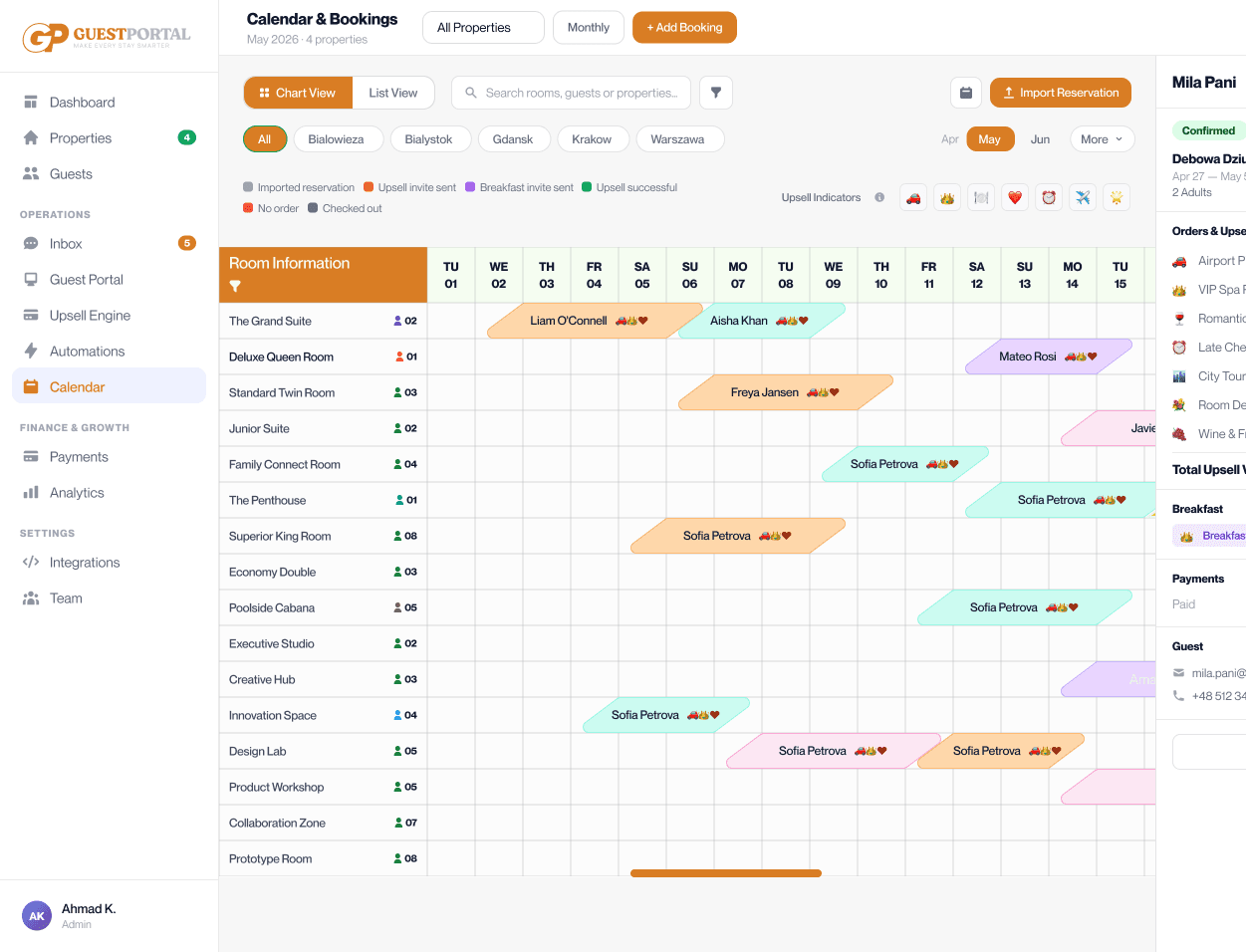
Complete operational visibility beside every chat
Complete operational visibility beside every chat
Reservation Overview
Check-in dates, unit, guest count, and OTA source.
Verification Status
ID verification, agreement signatures, and deposits.
Access Release Tracking
Lock code status and door access release conditions.
Enhancement History
Purchased extras, requested services, and pricing.
Payment Summary
Deposit status, outstanding balances, and payment links.
Internal Team Notes
Leave pinned notes for shift handovers.
Zero tab switching. Faster resolutions.
Zero tab switching. Faster resolutions.
Context panel connected to every feature
Context panel connected to every feature
The Context Panel combines data from all GuestPortal modules into a unified sidebar next to your inbox conversations.
Frequently Asked Questions
Frequently Asked Questions
Got questions? We’ve got you covered, here are some quick answers to help you get the most out of GuestPortal.
Does the context panel update in real time?
Yes. As guests complete verification steps or purchase enhancements, the panel updates instantly.
Can I trigger actions directly from the context panel?
Yes. You can release access codes, approve enhancements, or generate payment links without leaving the screen.
What booking channels are supported?
Reservations from Airbnb, Booking.com, VRBO, direct booking engines, and PMS integrations are fully supported.
Start with Core. Add Pro when you're ready.
Put every reservation detail, payment status, and enhancement request right where you need it.